Hyper keys and binds
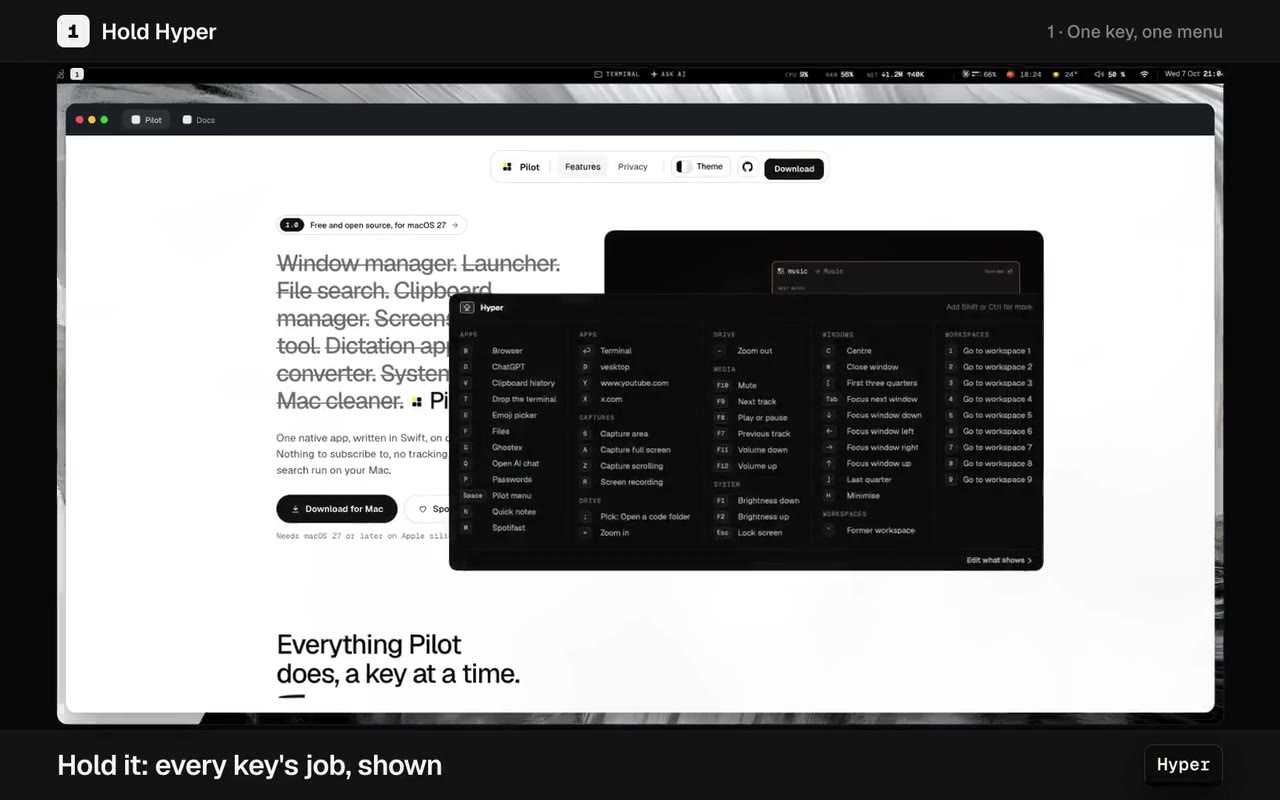
Caps Lock becomes Hyper. Hold it to see every key's job, then click a key on the board to give it a new one.
Everything below, in one native app. Free, with no account, no subscription and no tracking.
It replaces these too: Key remapper Screenshot tool Dictation app File manager File converter System monitor Mac cleaner Every feature

One key for every shortcut you set, and windows that tile, change layout and move between nine workspaces.
Caps Lock becomes Hyper. Hold it to see every key's job, then click a key on the board to give it a new one.
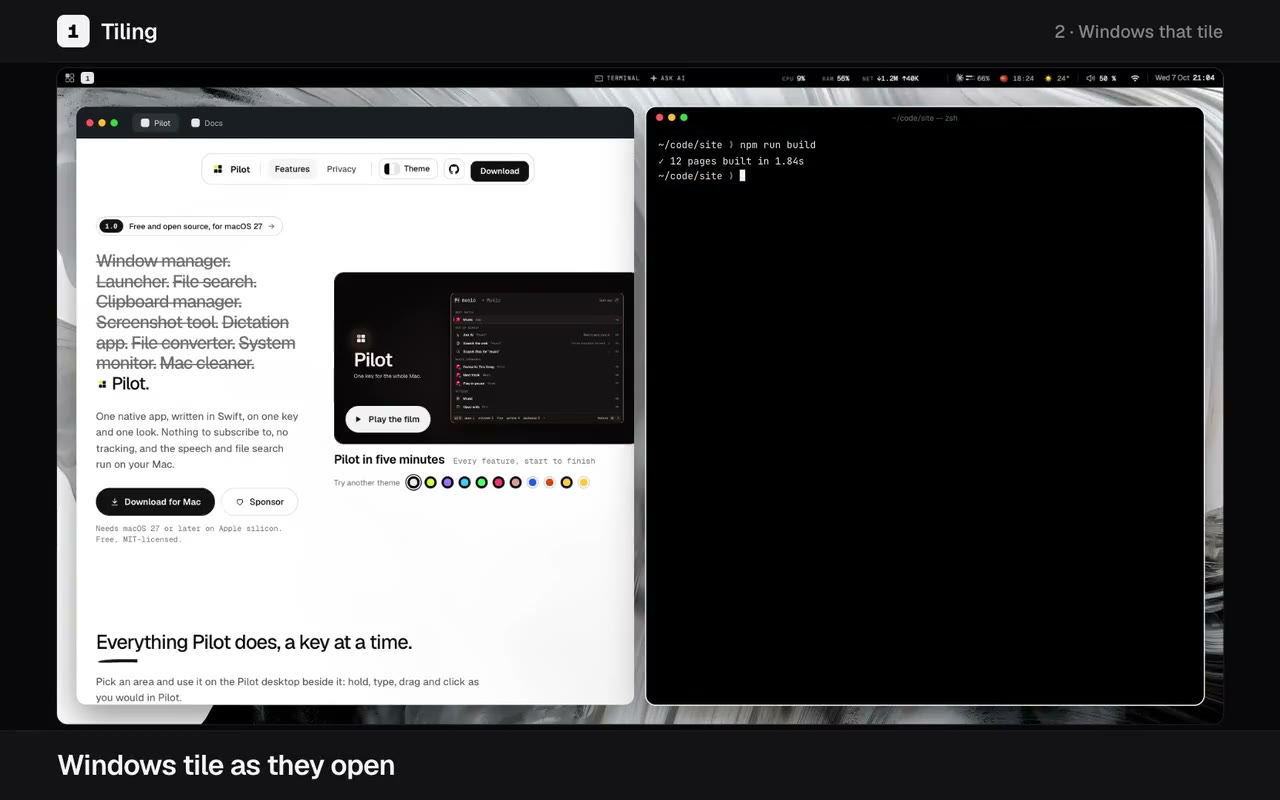
Windows tile as they open. Click the shown workspace in the top bar to cycle its layout, move and resize from the keyboard, and jump between nine workspaces.
The tools you would otherwise buy or install, each used for a few seconds as you would use it.
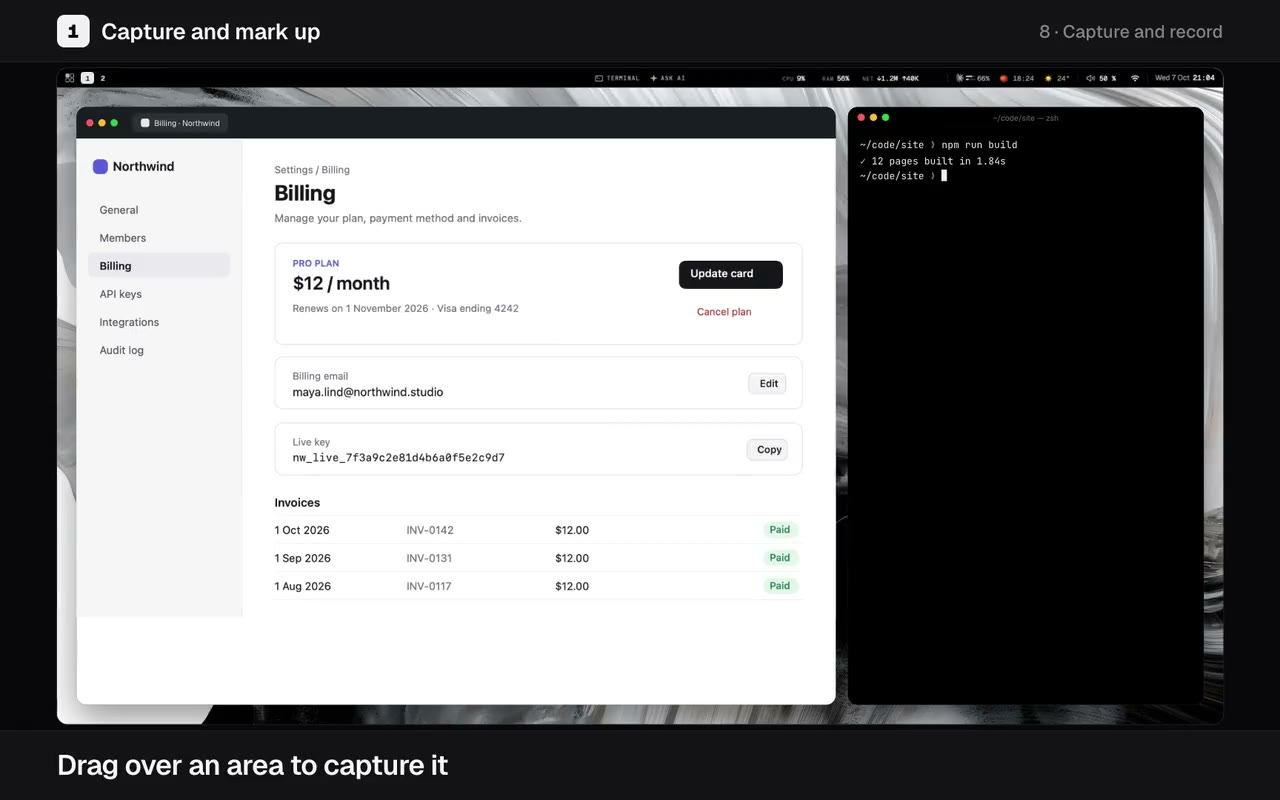
Drag over an area and mark it up: arrows, steps, blur, a backdrop. Uncrop onto a backdrop, record the screen and cut the recording in its editor.
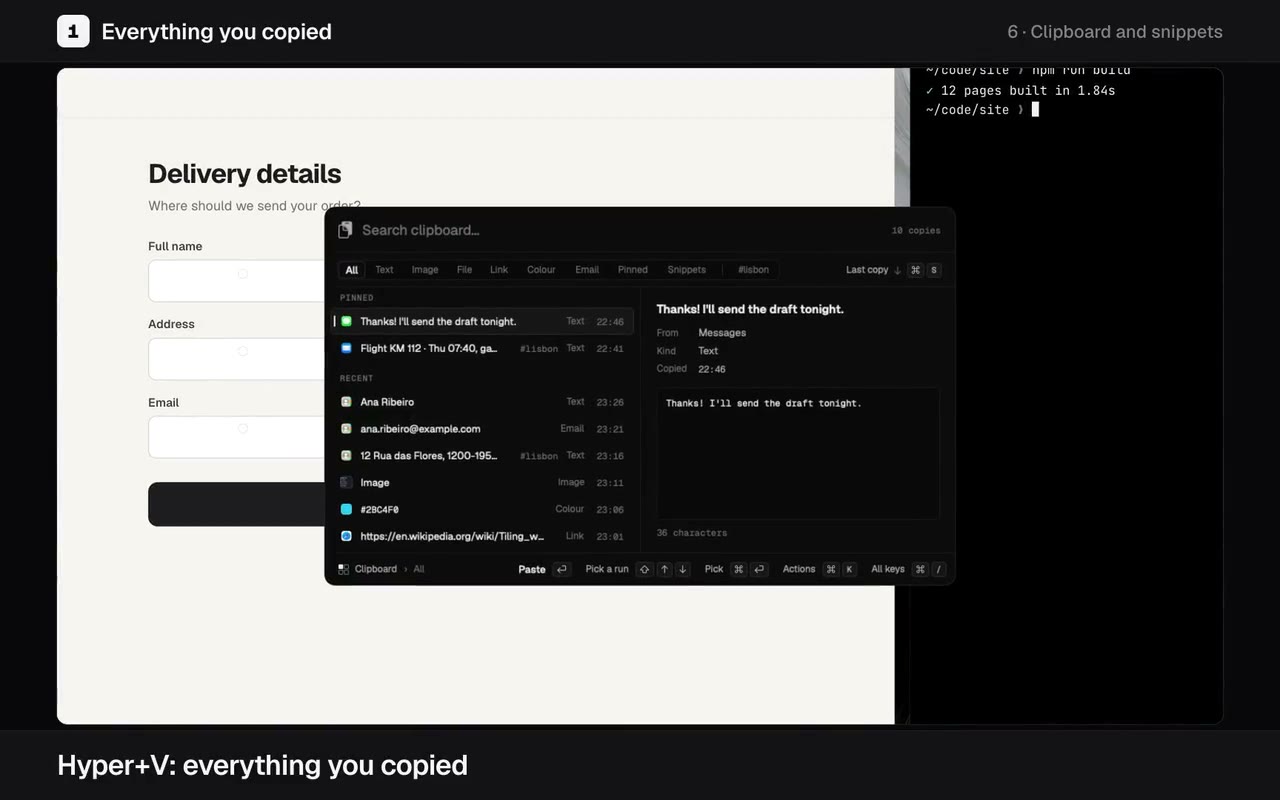
Hyper+V: everything you copied, sorted by kind, the words in your screenshots searchable. Quick notes a key away, and snippets that expand as you type.
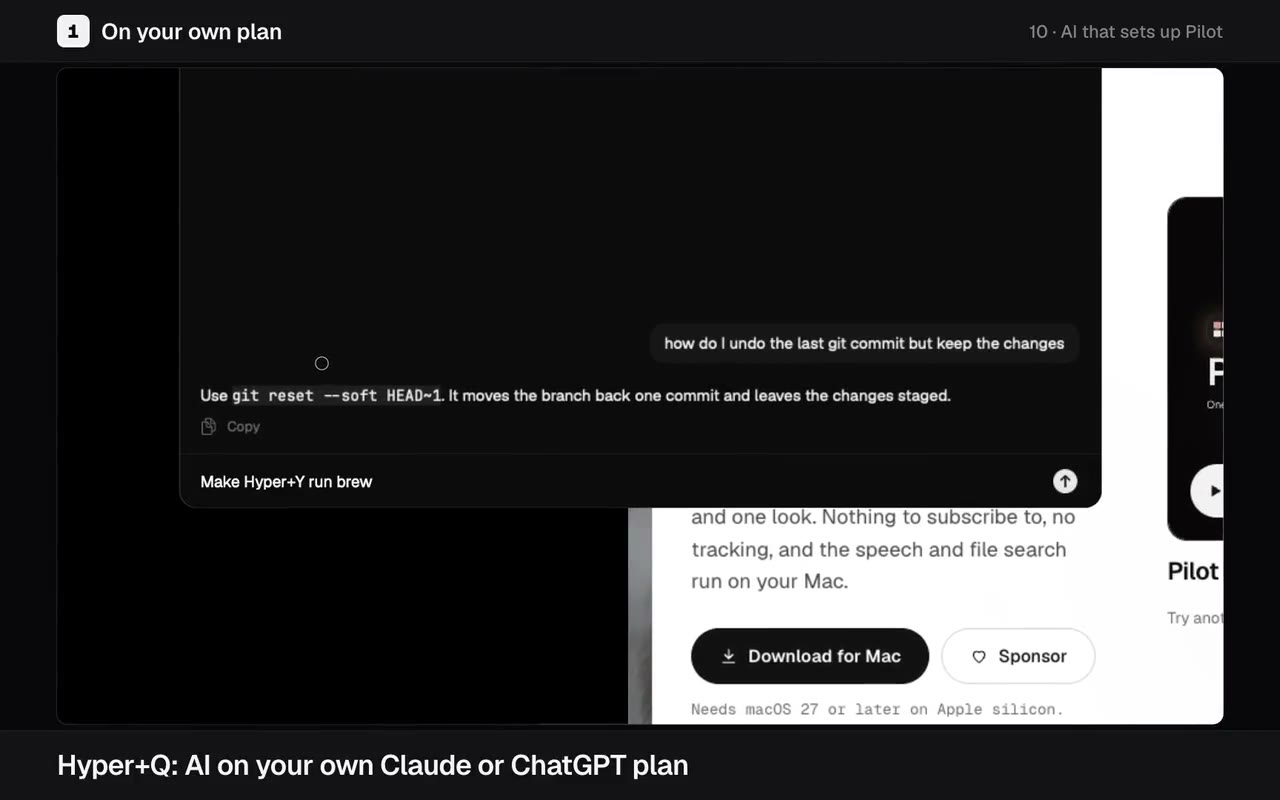
Hyper+Q asks AI on the Claude or ChatGPT plan you already pay for and fixes text you select. Hold Right Control and talk: your words type as you speak, on your Mac.
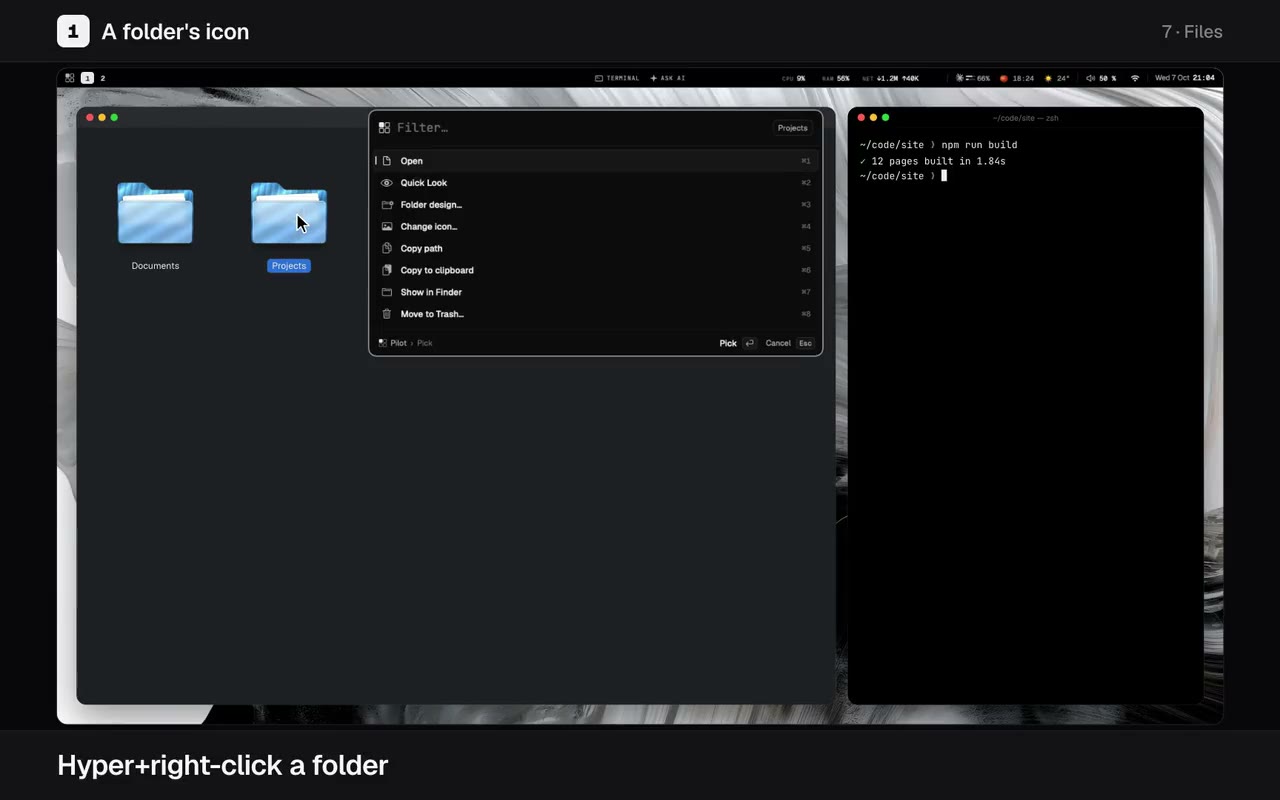
Hyper+F opens Pilot Files: folder sizes, ⌘K on every file and undo for every action. Find any file even with a typo, and convert one with a right-click.
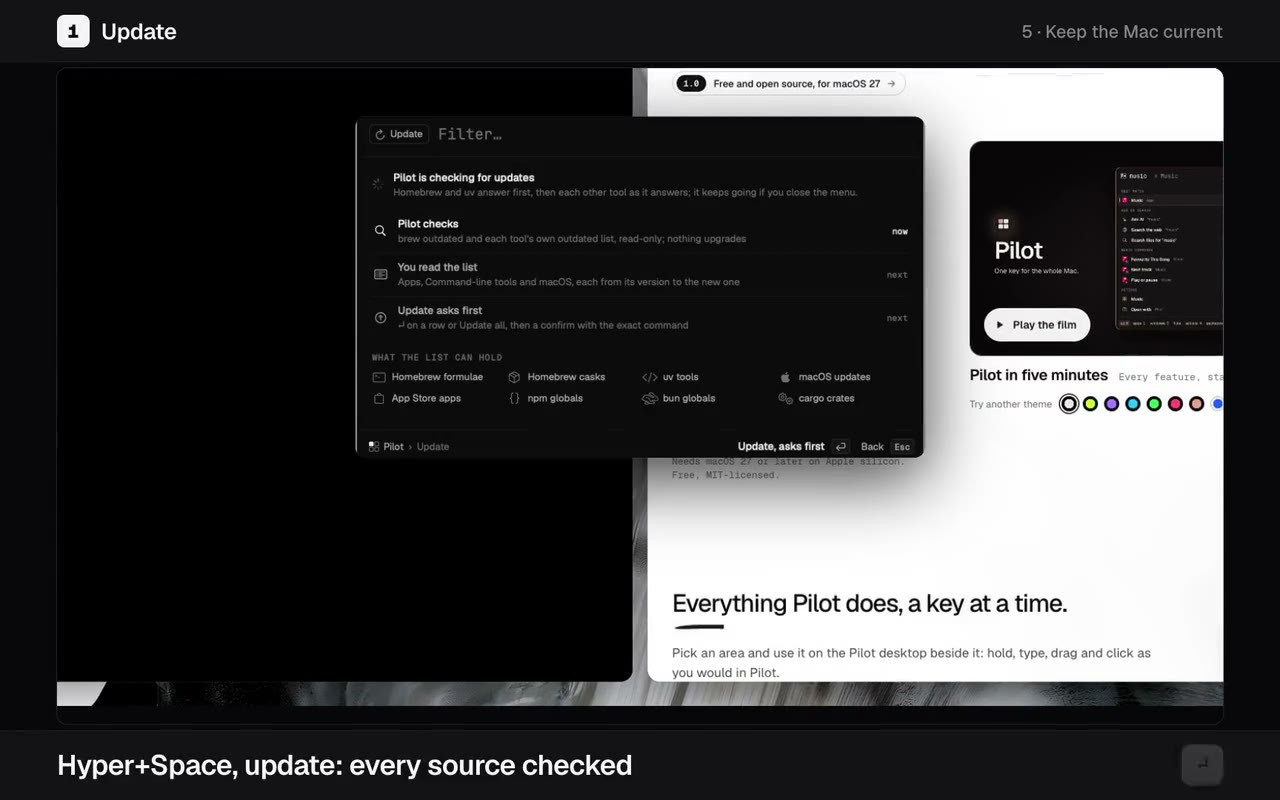
Hyper+Space, update: every upgrade from every source, version to version, run when you press Return. Clean shows what it can free, then asks.
Pick an area and use it on the Pilot desktop beside it: hold, type, drag and click as you would in Pilot.
Free and open source. Needs macOS 27 or later on Apple silicon.
Pilot.dmg, open it and drag Pilot to Applications.Pilot is signed with Apple's Developer ID and notarized by Apple. Updates install from inside Pilot and keep your permissions.
Permissions and checking the download
Caps Lock as Hyper: tapped alone it is Escape, and Shift+Caps Lock still types capitals. Password fields are blind to every key tap on macOS, Pilot's included: your binds do not work while one has focus.
Check the download against the .sha256 beside it on the Releases page: shasum -a 256 -c Pilot.dmg.sha256.